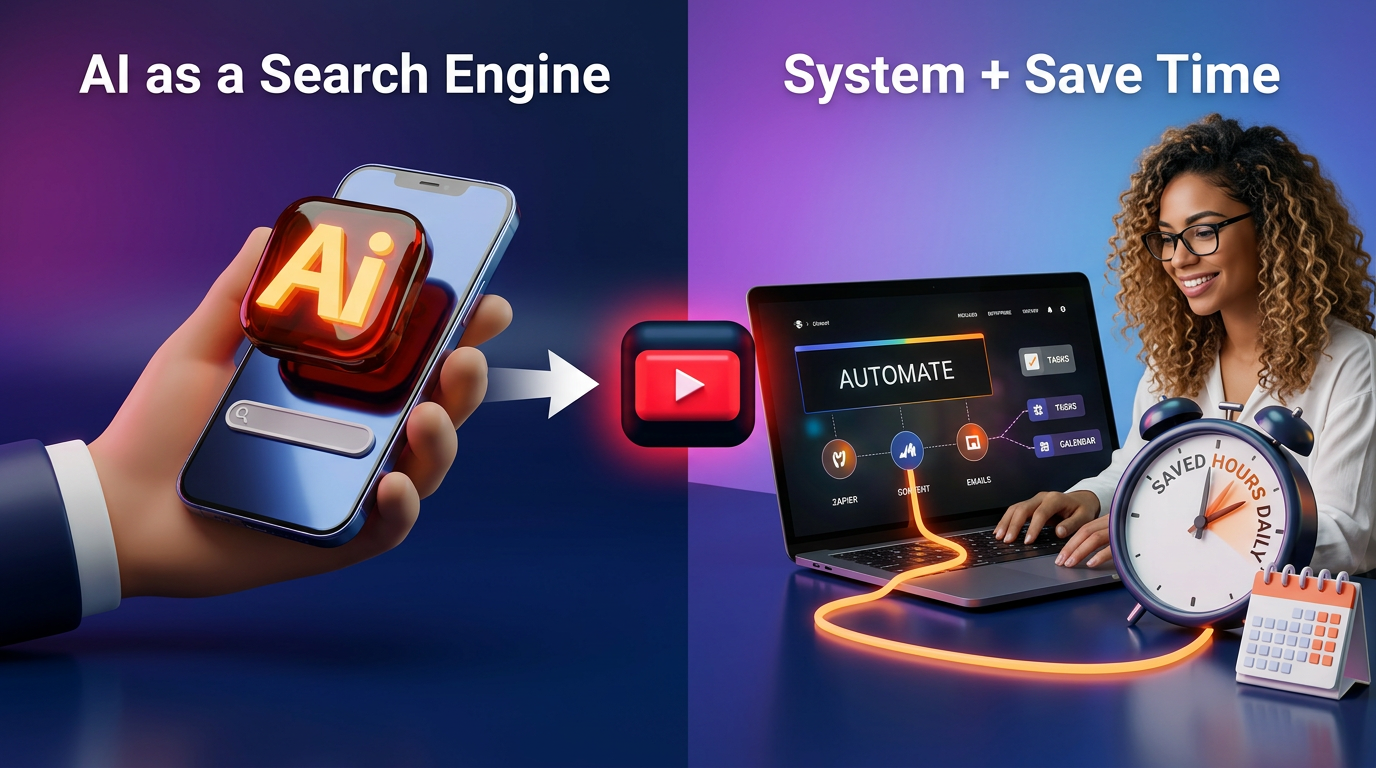
Stop Using AI Like a Search Engine - Build a System + Save hours daily.
Most founders use AI like a search engine. The ones winning build systems. Learn the 4-layer AI stack that turns prompts into leverage and saves hours every day.
72% of businesses use AI (2026) 66% report productivity gains. BUT: Most gains = 30–60 minutes saved.
💡
Top performers = 3–5 hours saved daily
The Problem With One-Off Prompting
There is a difference between using AI and building an AI system. Most founders use AI reactively — one prompt, one answer, one task, done.
It feels productive. But it is the knowledge-work equivalent of doing your admin by hand when you could have a process doing it for you.
The founders actually taking back their time are not necessarily using better tools. They are using them differently.
They have built a stack. They have created context.
They have saved their best prompts.
They know which AI handles what — and they do not start from scratch every time.
The 4-Layer AI System Stack
Layer 1 — The Context Layer
Every AI session without context is a cold start. You explain yourself every time, reprompt, and get generic output. Fix this with a master context block — a short, dense paragraph about who you are, your business, your tone, your audience, your goals. Paste it into every session. Or build it into a Claude Project or Custom GPT so it loads automatically.
Layer 2 — The Prompt Library
Stop writing prompts from scratch. 🟠 Build a library of 5–10 prompts you use every week — content drafts, email replies, research summaries, offer copy, onboarding messages. Each one tested, refined, saved. This is one of the highest-ROI investments a founder can make in two hours.
Layer 3 — Tool Assignment
Not all AI is equal. ⚙️ Claude excels at long-form writing, deep analysis, and structured thinking. ⚙️ ChatGPT with web access is strong for research and brainstorming. ⚙️ Gemini integrates with your Google workspace. ⚙️ NotebookLM handles documents and synthesis. Use each for its strength. Stop trying to run everything through one tool.
Layer 4 — The Automation Bridge
Individual AI prompts are powerful. ✅ AI plugged into your workflows via Zapier or Claude Cowork is exponential. When AI can receive a trigger, execute a task, and deliver an output without you in the loop — that is where the real leverage lives.
4 Actions to Take This Week
Write your master context block — 200–400 words covering who you are, what you do, who you serve, your tone, and your core offer.
Identify the 5 prompts you use most often and save them in Notion or a Google Doc.
Assign tools to task types. Write: "For X, I use Y." Commit to it.
Pick one manual workflow this week and map where AI could replace a step.
💡
Paid Subscribers have full access to Templates, Guides, Downloadable Claude Skills, Prompts and a wealth of resources. - Click below 👇👇
The £0 AI Stack Running My Entire Business Backend.
You're using one AI tool for everything and getting 60% of the capability. Here's the £0 stack — Claude + ChatGPT + Gemini routed correctly — that runs my entire backend.
#NFF · Automated Backend → Creative Frontend
The clean dividing line. The backend (automation · AI · systems) runs hands-off. The frontend (camera · voice · story · me) is 100% personal. When you draw the line clean, you get scale and soul at the same time.
#NFF · The 7 Claude Skills I'd install by Sunday if I were starting over
Total install time: under 20 minutes per Skill. Total hours saved per week: about 12. Paste-ready. No code. If you switch one on this weekend, you'll wonder how you ran without it.
members only
AI Integration
This Prompt Wrote 30 Days of Content in 4 Minutes. I'm Not Joking.
I built one Claude prompt that produced 30 days of social content in 4 minutes 23 seconds. The trick isn't the model — it's the 5-block prompt architecture. Here's the full build.
members only
AI Integration
The 15-Minute Morning AI Routine That Replaced My £3,000 Consultant
I used to pay £3,000/month for a strategic consultant. A 15-minute morning AI routine now does 80% of what they did — daily, not monthly. Here's the exact 3-phase system.
Founders and Systems tier
AI Integration
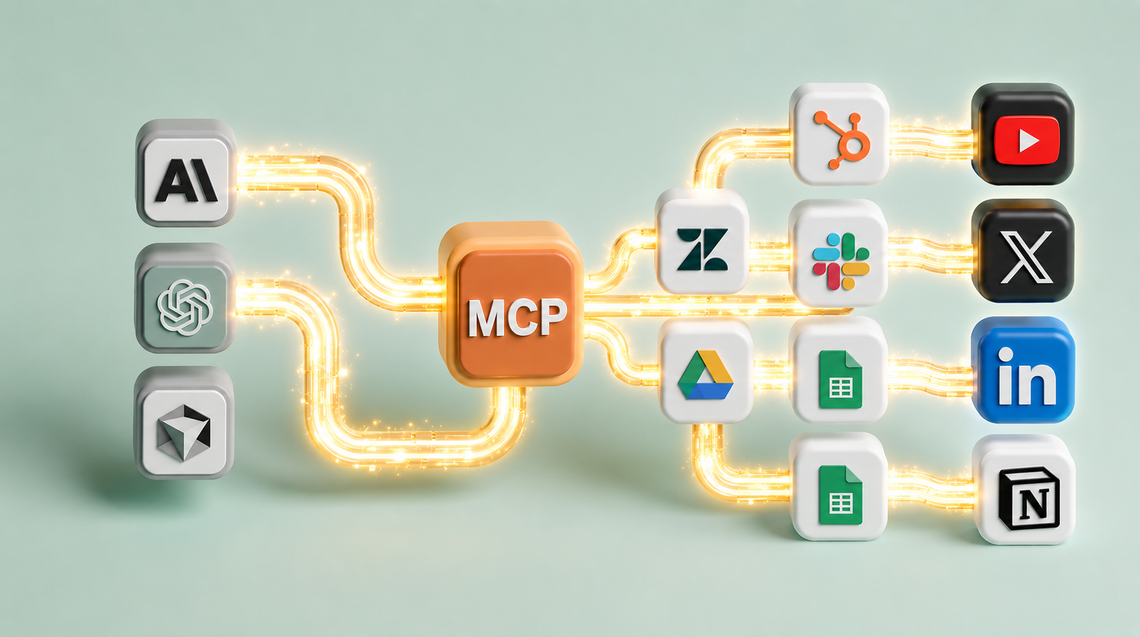
MCPs Are the Cheat Code for Founders. Here Are the 5 I Run Every Day.
Most founders use Claude like a chatbot. MCPs turn it into a system that runs parts of your business. Here are the 5 I use daily — and what they replace.