The One-Person Studio: Pro-Level YouTube Content With an iPhone, CapCut, and Claude
A complete one-person YouTube system for founders — from idea to published using just an iPhone, CapCut, and Claude. No team, no expensive kit, no agency. One filming session a week. Under £150 to build.
The gap between your idea and a published YouTube video shouldn’t be a team, a $10K camera, and six weeks of editing.
But for most founders, it is.
Not because it has to be — but because they’re waiting. Better gear. More time. Clearer ideas.
Meanwhile, founders with an iPhone and zero excuses are already 30 videos ahead — building audiences and momentum.
In 2026, the one-person studio is the advantage.
Not more tools. Not more complexity.
A simple system: iPhone for capture. CapCut for editing. Claude for scripting.
Three tools. One workflow. No friction.
Why the One-Person Studio Is Viable Right Now
The iPhone 16 Pro shoots 4K at 120fps with ProRes support and cinematic stabilisation — the gap between smartphone and professional camera footage has effectively closed for talking-head and educational content
Audio accounts for 50% of the viewer experience — a wireless lavalier mic for under £40 fixes the only real weakness of the smartphone studio
CapCut's AI toolkit now handles scripting, auto-captions, silence removal, transitions, templates, and music — a solo creator can go from raw footage to edited video in under 60 minutes
Claude produces the most natural, voice-matched scripts for long-form YouTube — multiple creators report doubled watch time after switching from manual scripting to Claude-assisted scripts
Batch filming — recording 2-3 videos per session — means a single 3-hour filming block covers your entire week's content
A full production setup including ring light, lav mic, and tripod costs under $150 — the barrier to starting is now entirely a systems problem, not a budget problem
The Three Pillars of the One-Person Studio
1. The Kit — What You Actually Need (And What You Don’t)
For talking-head, sit-down content, an iPhone plus a few cheap accessories will outperform expensive gear in a bad setup — every time.
→ Camera — your iPhone
Use the rear camera for quality. 4K at 30fps is your sweet spot. Front camera works, but rear gives you the edge.
→ Audio — wireless lav mic ($40)
This is the upgrade. It removes echo, boosts clarity, and instantly makes your content feel professional.
Audio is what viewers tolerate least — fix this first.
→ Light — one key light
A single ring light at a 45° angle removes shadows and upgrades your look instantly.
Position it at eye level or slightly above.
→ Stability — tripod with mount ($20)
Shaky footage kills trust. This isn’t optional — it’s foundational.
Four items. Under $150 total.
Everything else — RGB lights, multiple cameras, fancy backdrops — comes later...Only once your system is working.
2. The Batch System — One Filming Day Covers the Week
The biggest mistake solo creators make? Filming one video at a time.
Set up. Film. Tear down. Edit. Publish. Then repeat days later.
It kills momentum.
⚡ Batch instead One 2–3 hour session = 2–3 videos
🎯 Set up once Lock in lighting, framing, audio — don’t touch it
🔥 Stay in flow You’re sharper after the first take — use that edge
📦 Walk away loaded One session = a full week of content
One block. Multiple outputs. No reset.
3. The AI-Assisted Scripting System — Claude as Your Writing Partner
This isn’t about replacing your thinking.
It’s about removing the gap between idea and execution.
🧠 Start messy Notes, bullets, rough thoughts — get it out
⚙️ Give Claude direction Angle, audience, tone — be clear
🎬 Get structured output Hook. Body. CTA — ready to film
✏️ Refine fast Keep your voice. Tighten
🎬
"Most AI YouTube content fails because people are using AI to create content rather than to accelerate the distribution of content that originated from a human brain." — Subscribr.ai, 2026
Three Actions to Build Your One-Person Studio This Week
Set up the physical environment today. Pick the corner of your space with the best natural light or where you can place a ring light. Mount your phone on a tripod. Test the audio with your lav mic. Film a 60-second test. Review it. Most people are closer to publishable than they think — what you see in the test tells you exactly what to fix.
Script your next video with Claude, not from scratch. Take the idea for a video you have been sitting on. Write five bullet points — the main things you want to cover. Run the free prompt below. Review the output, adjust what does not sound like you, and film it. The first Claude-scripted video takes longer. By the third one, you are half the scripting time.
Block one filming session this week. Not "sometime this week" — put it in your calendar as a named block with a specific output goal: two videos filmed and ready to edit. Treat it with the same protection as your deep work blocks. The consistency of showing up to film is what separates channels that grow from channels that stall.
🆓 Free AI Prompt — Script Your Next YouTube Video
🎬 Script Your Next YouTube Video
Tool: Claude Use: Turn a raw idea into a structured, on-brand script
Prompt: I’m a founder creating YouTube content for [audience]. My brand voice is [3–5 traits]. My topic: [video idea]
Key points: • [Point 1] • [Point 2] • [Point 3]
CTA: [what viewers should do]
Write a YouTube script with:
Strong hook (first 30s)
Brief credibility setup
Clear, spoken-style main body
Strong close + CTA
3 alternative hooks
Tone: natural, direct, no filler. Write as if speaking to one person. Length: [5–8 / 8–12 / 12–18 min]
#NFF · The Trust Freeze Is Coming. Fill the Vault Before It Does.
AI content is about 2% of the feed today. In two years it'll be over 50%. At that tipping point, the brain's default flips from 'probably real' to 'probably fake until proven otherwise.' Two groups form: the ones grandfathered in, and the ones playing the same game on hard mode.
NFF
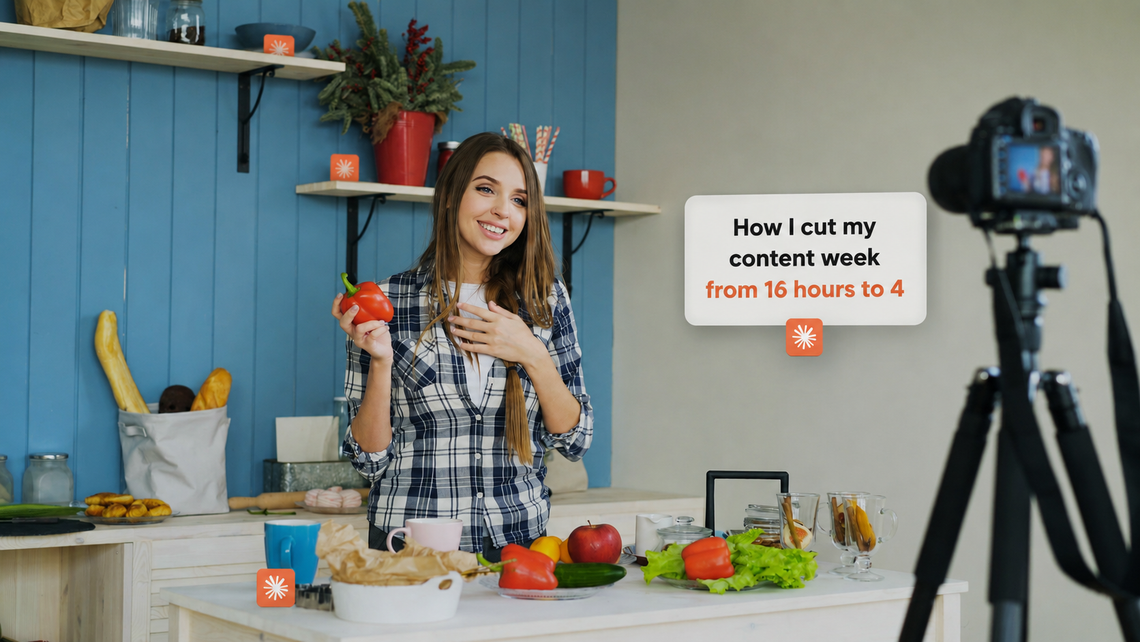
#NFF · How I cut my content week from 16 hours to 4
One Saturday morning. One Claude Skill. The rest of the week off the clock — and the carousels and singles still landing on schedule. This isn't a hack. It's just where I should have started.
members only
YouTube
I Studied 50 Founder YouTube Channels. The Ones Who Convert All Do This.
Half of 50 creator YouTube channels grew subscribers. Only 8 produced inbound. The pattern in the 8 was identical — and almost nobody else was doing it. Here's the 4-layer framework.
members only
Personal Branding
One of My Students Made £0 With 10,000 Followers. Here's What He Changed.
He had 10,000 followers and £0 in revenue. Three months of daily content, audience climbing, bank account flat. The fix wasn't more content. It was the metric shift that changed everything.
members only
Personal Branding
Nobody Knows You Exist. Here's the Personal Brand Fix That Changes That.
You're doing the work. Outside of people you know, nobody has any idea you exist. The fix isn't more content — it's the 4-pillar brand architecture invisible brands miss.
members only
Personal Branding
Stop Competing. Start Owning a Lane Nobody Else Can Touch.
Founders & creators who compete get commodified. Those who own a lane get pricing power, inbound, and authority. Here’s the system.